

Chances are, over the last six months, you have had one or more video conferencing calls. Zoom, Microsoft Teams, Google Meets are the new way of doing business in 2020. Without a doubt, these programs make it easier to work from home. But they also bring a new set of headaches. Like, how on hearth can we look better on Zoom?
Don’t worry. A few simple tips are all you need to appear more professional on video calls.
Let’s get to it!
Why It’s Important to Look Good on Zoom
We all want to appear confident, calm, and put together on camera. But looking good on a video call isn’t all about vanity. You don’t have to wear designer clothing or invest in a professional lighting set up. But you want to take care to appear professional when meeting with your colleagues. Even if it’s through a screen.
Presenting yourself professionally shows that you value your teammates. It also shows that your work is important, even when you are working from home. Putting effort into your appearance also signals a positive self-image.
Plus, when you look better on Zoom, you feel better. Research shows that getting dressed for the day can have a significant impact on your mood. When many people are feeling isolated and depressed, a self-esteem boost is welcome.
There are also technical aspects of video calls to consider. Poor lighting can make it hard to see you. This lowers the quality of the meeting. Activity or clutter in the background can cause distractions. You don’t want your team focused on your laundry instead of the strategy. Finally, noise in the background can also disrupt the meeting and lower productivity.
5 Simple Tips to Look Better on Zoom
It doesn’t take that much work to look good on Zoom. Just a few minor adjustments can make you appear more put together during your video conferences. And help keep you and your team on task.
1. Dress in Business Casual Clothing

Timeless blouse 2. Crew Neck Blouse 3. Stellar Top 4. Lace Yoke Top
Business casual is the new normal. If you’re wearing a suit while working from home, please stop now. Even if your office required you to wear a suit every day, bo-one expects that when you are working from home. This is the time to push those suits to the back of your closet.
Dressing to impress via Zoom requires only a nice button-down shirt or blouse. Depending on the weather, polos or sweaters may also be appropriate. Stick to solid colors or small patterns. Loud prints can be distracting. But don’t be afraid of bright colors.
Please, iron your shirt. The “just rolled out of bed” look doesn’t work for business meetings.
Avoid dressing too casually. T-shirts and tank tops are never appropriate unless you wear a cardigan or jacket over top. Even some dresses may not be suitable. Don’t wear a strappy sundress for a work call. You don’t want anyone to think you are coming from the pool.
You don’t have to worry about what you wear on the bottom. You’ll probably be sitting down for the meeting. But consider wearing jeans, at least, in case you pop up to get something. You don’t want to be wearing sweats, shorts, or nothing at all.
2. Find a Spot With Flattering Light
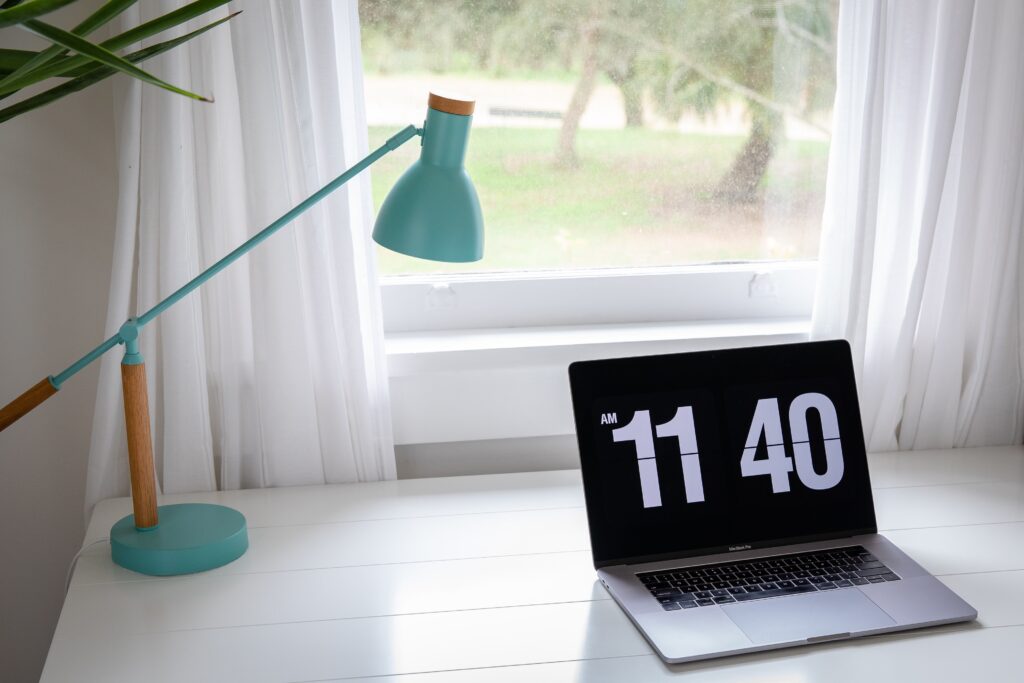
Pick your seating location carefully. The lighting plays a significant role in how you look on video. You want to make sure other participants can see your face. Avoid sitting with your back in front of bright lights or windows. But facing a window is perfect.
These are the best sources of lighting for video calls, listed from best to worst. You can use:
- Natural light
- Warm indoor lighting
- White indoor lighting
- A clip-on light
- The light from your computer screen
For daytime calls, find a spot where the natural light hits your face. Ideally, you should be facing the window. Don’t sit with your back to a window. This will cause you to be backlit, and you will appear blurry.
Calls at night require extra lighting. A warm reading or standing lamp positioned one to two feet away from you should do the trick. It’s a good idea to test your camera and experiment with the lighting before the meeting starts.
3. Position Your Camera for the Best Angle
One of the easiest ways to look more attractive on camera is to find a flattering angle. You don’t want to tilt your head too isn’t much up or down to look into the camera.
Most often, people take Zoom calls on their computer. The computer is sitting on your desk and you look down at the screen. This isn’t a terrible set-up. But you will appear more flattering if you prop your laptop up so the camera is eye-level.
A monitor stand or even a few heavy books are all you need to put your camera at the right height. The best position is when the camera is slightly above your eyes.
If you’re making video calls on your mobile device, the same general rules apply. You want your camera to be eye-level or slightly higher. It’s difficult to hold your smartphone at this angle for extended periods of time. You might want to invest in a tripod if your laptop doesn’t have a web camera.
4. Make Sure Your Background Isn’t Distracting
Last but not least, you want to minimize background distractions. A plain wall, a bookshelf, a subtle piece of artwork, or a map all provide simple backdrops.
However, many of us don’t have dedicated spaces for Zoom calls. We are taking these meetings amid our often chaotic households. If that’s true for you, here are a few ways to reduce distractions.
- Clean up any visible messes, such as dishes, toys, and laundry.
- Send children and pets to another room to reduce activity and background noise.
- Avoid sitting in front of windows, televisions, and other busy objects.
Zoom also allows you to change the background if you can’t find a distraction-free zone in your house.
Using Zoom Enhancements to Improve Your Appearance
Zoom provides pre-made backgrounds to use during video calls. Even if you’ve never tried a virtual background personally, you may have seen them in action or on screenshots.
Zoom’s virtual background feature is available for desktop clients and iOS. If you’re using Android or the browser version of the platform, you’re out of luck (at least for now).
Keep in mind that for the best results, Zoom recommends you use a green screen. If you don’t have one of those, choose a clear wall with uniform coloring.
Change Your Zoom Background on a Desktop
To use the virtual background feature for the desktop app, open Zoom, and click on the gear icon at the top right of the screen.
Then select the Virtual Background tab. You’ll see a preview of how you look on camera. Right below your face, you’ll see various default virtual background options.
Most of Zoom’s default virtual backgrounds aren’t the best fit for professional meetings. Luckily, you can use any video or image you want as your background. The platform accepts most image types with a resolution of at least 1280×720 and an aspect ratio of 16:9. You can also use videos in the form of MP4 or MOV files with a resolution between 480×360 and 1920×1080.
There are many options for downloading free Zoom backgrounds, including Canva and __. Try experimenting with different backgrounds until you find one that meets our needs. Remember, you are having a business meeting, so your virtual background should project a professional image.
Change Your Zoom Background on iOS
If you’re using Zoom’s iOS app, you need to join or start a call before you can set a virtual background. Once you’re in, tap on the three-dot icon in the bottom right corner of the screen.
This will open the settings. Select the Virtual Background option. You’ll then can select any of Zoom’s default backgrounds or set your own.
Other Zoom Enhancements
If you are using an iOs device or the desktop App, Zoom also allows you to enhance your video.
These include Touch Up My Appearance, HD Video, Low Light Adjustment, and filters. The appearance touch up is subtle and can provide a boost of confidence on camera. You can also use filters for this purpose. But remember, this is a business setting. You still want to look professional.
Conclusion
Everyone feels self-conscious about the way they look on camera. Keep that in mind during your next Zoom meeting. Don’t worry too much about what your team thinks. They are more worried about their own appearance.
Still, a few simple steps can help you appear more professional on Zoom. You’ll feel more confident when it’s your turn to speak.
Looking good on Zoom comes down to four simple factors:
- Dress in business casual clothing.
- Find good lighting.
- Position your camera for the best angle.
- Reduce background distractions
What questions do you have about how to look good on Zoom?